



How to Update Aadhaar Address Online After Moving to a New City
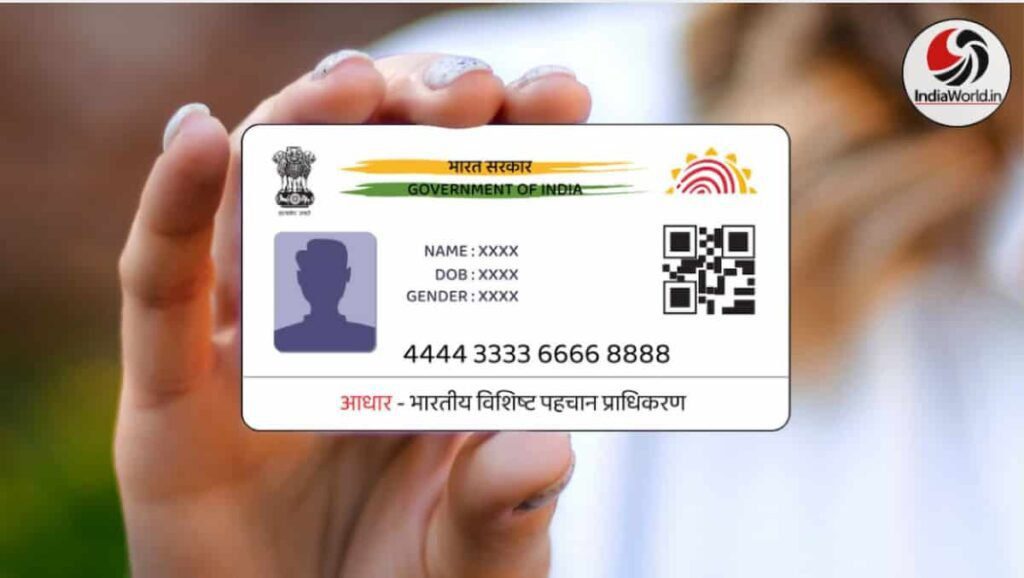
If you’ve recently shifted to a new city or changed your residence, updating your Aadhaar card address is essential. Whether it’s for banking, mobile services, government schemes, or e-commerce deliveries, having the correct address linked to your Aadhaar ensures smooth access and reduces the risk of misuse. Thanks to UIDAI’s online portal, you can now update your Aadhaar address from anywhere in India—without visiting a physical center. Let’s walk through the easy steps to update your Aadhaar address online and track the status using your SRN number.
Aadhaar Address Update Online: Step-by-Step Guide
Updating your Aadhaar address online is simple and secure. Here’s how you can do it:
- Visit the official UIDAI portal: https://myaadhaar.uidai.gov.in
- Click on the “My Aadhaar” section.
- Select “Update Your Aadhaar” and then choose “Update Aadhaar Online.”
- Enter your 12-digit Aadhaar number and verify using the OTP sent to your registered mobile number.
- Choose the “Address Update” option.
- Carefully enter your new address. Double-check for spelling and accuracy.
- Upload a scanned copy of your valid address proof (JPEG, PNG, or PDF format).
- Click “Submit” to complete the process.
- You’ll receive a Service Request Number (SRN) to track your update status.
Valid Documents for Aadhaar Address Update
To successfully update your address, you’ll need one of the following documents:
- Passport
- Bank statement or passbook
- Electricity or water bill (not older than 3 months)
- Voter ID
- Driving License
- Ration Card
- Property Tax Receipt
- Insurance Policy
For the full list of accepted documents, visit UIDAI’s official page: https://uidai.gov.in

How to Track Aadhaar Address Update Status Using SRN
Once you’ve submitted your address update request, tracking the status is easy:
- Go to https://myaadhaar.uidai.gov.in
- Click on “Check Aadhaar Update Status.”
- Enter your SRN number and Aadhaar number.
- You’ll see the current status of your request—whether it’s under review, approved, or rejected.
UIDAI recommends checking the status regularly and updating Aadhaar details whenever there’s a change in address, phone number, or other personal information.
Why Updating Aadhaar Address Is Important
Keeping your Aadhaar address updated helps in:
- Receiving government benefits and subsidies
- Ensuring accurate KYC for banks and telecom
- Avoiding delivery issues on e-commerce platforms
- Preventing identity misuse or fraud
- Accessing local services and schemes
What You Can’t Update Online
While address updates are allowed online, biometric updates like fingerprints, iris scans, and photographs require a visit to the nearest Aadhaar Seva Kendra. You can locate your nearest center here: https://appointments.uidai.gov.in

👉 Join our Arattai Group: https://aratt.ai/@indiaworld_in
👉 Join our Telegram Channel: https://t.me/indiaworld_in