

Aadhaar SIM Card Check: Why Every Indian Must Act Now
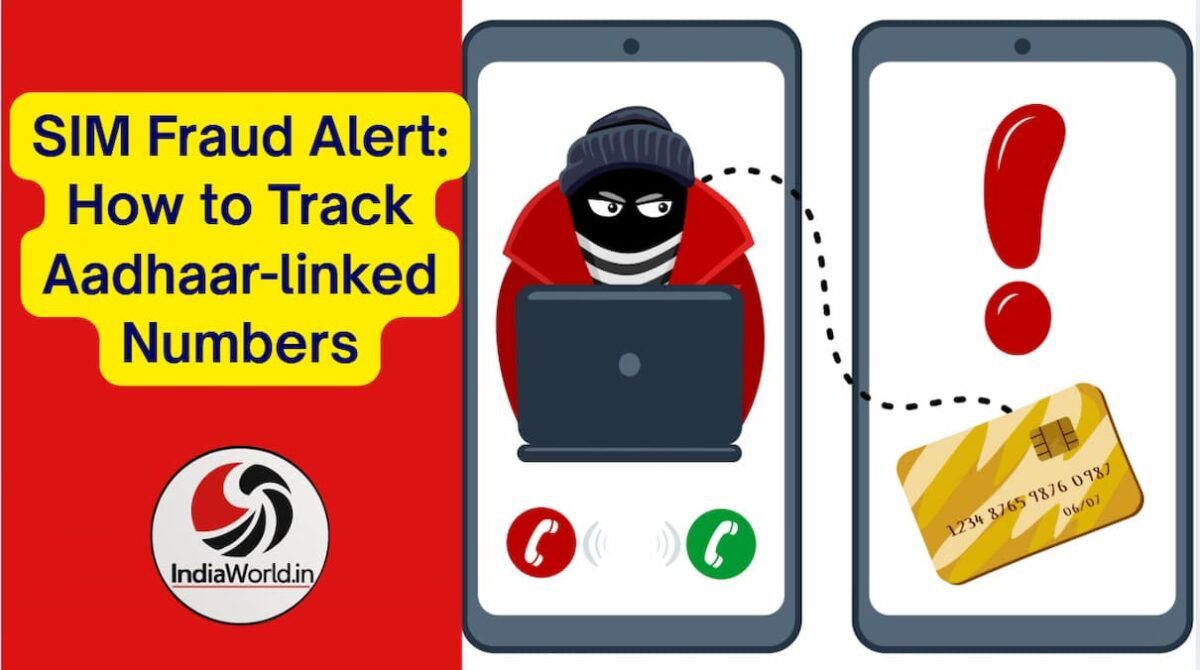
Fraudsters are getting smarter every day. One of the easiest ways they exploit people is by misusing Aadhaar details to issue SIM cards without consent. Imagine waking up to find multiple mobile numbers registered in your name—numbers you never used. These could be linked to financial scams, cybercrimes, or even illegal activities. The consequences? You could be held responsible.
That’s why the Department of Telecommunications (DoT) introduced the TAFCOP portal (Telecom Analytics for Fraud Management & Consumer Protection). It’s a simple, online tool that lets you check all active SIM cards issued against your Aadhaar.
Step-by-Step Guide: How to Check Aadhaar-Linked SIM Cards
The process is quick, secure, and requires only your mobile number. Here’s how you can do it:

- Visit the official TAFCOP website: TAFCOP Portal
- Enter your active mobile number (linked to Aadhaar).
- Complete the captcha verification shown on the screen.
- Click “Request OTP”.
- Enter the OTP received on your phone.
- Log in to the dashboard.
- View the complete list of mobile numbers registered against your Aadhaar.
This list includes all active connections across different telecom operators.
What to Do If You Spot Unknown Numbers
Once you see the list, carefully verify each number. The portal gives you three clear options:
- Not my number → Raise a request for disconnection.
- Not required → Mark numbers you no longer use.
- Required → Confirm numbers you actively use.
Telecom authorities then process your request and coordinate with operators to disconnect fraudulent or unused numbers.


Why This Check Is Crucial
- Prevent financial fraud: Fraudsters often use fake SIMs to open bank accounts or commit UPI scams.
- Stop cybercrime: SIMs linked to your Aadhaar could be used for phishing or illegal activities.
- Protect your identity: Regular checks ensure your Aadhaar isn’t misused.
- Peace of mind: Knowing only your genuine numbers are active reduces stress.
Trending Concerns Around SIM Fraud
- Banking scams: Fraudsters use Aadhaar-linked SIMs to bypass OTP-based security.
- Social media misuse: Fake accounts created with your identity can damage reputation.
- Loan frauds: SIMs in your name may be used to apply for loans illegally.
Pro Tips to Stay Safe
- Check Aadhaar-linked SIMs every 3–6 months.
- Never share OTPs with anyone, even if they claim to be from your bank or telecom provider.
- Link your Aadhaar only with trusted services.
- Report suspicious activity immediately to your telecom operator.
🔗 External Resources for Readers
- TAFCOP Official Portal
- Wikipedia: Aadhaar
- Department of Telecommunications
- Quora Discussions on SIM Fraud
- Reddit Cybersecurity Threads
📣 Call to Action
Fraud doesn’t wait. Protect your identity today by checking Aadhaar-linked SIM cards. Visit the TAFCOP portal and secure your digital life.
👉 More updates follow us: https://x.com/vishnu73
👉 Join our Arattai Group: aratt.ai/@indiaworld_in
7. External Links (CTA)
- TAFCOP Portal – Official Govt Site
- Aadhaar – Wikipedia
- Department of Telecommunications
- Quora – SIM Fraud Experiences
- Reddit – Cybersecurity Community
READ ALSO || Bharat Taxi Crosses 4 Lakh Users, Big Rollout Teased